We put together the questions we hear most — about account access, wallet connections, play mode differences, and how to read your transaction history. Whether you use DANA, OVO, or GoPay, every answer here points you to the exact step inside your account so you spend less time searching and more time at the table or the reels.
These four structural facts reflect what you can verify inside the lobby today. No invented counts, no inflated numbers — just the real shape of what we've built for Indonesia members who access the platform from mobile or web.
Play modes available: live tables and self-paced slots
2
Game studios in the lobby: Pragmatic Play, JDB, PlayStar, CQ9, Microgaming
5
Supported e-wallets: DANA, OVO, GoPay
3
Wallet shared across all game modes and sportsbook
1
HOW TO REACH US
Support Paths for FAQ Issues
If an FAQ answer here doesn't fully cover your situation, three direct routes connect you to our support team. Each route handles the same account and wallet topics — use whichever one fits your moment. For transaction records specifically, your account dashboard shows the current state after login, so check there first before reaching out. Availability depends on local law and eligible regions.
Live Chat
Open the chat icon from any page inside your account. The live chat window handles account verification questions, wallet connection issues with DANA or OVO, and play-mode access. Responses are handled by our Indonesia support team.
Email Support
Send detailed account or transaction questions to our support address shown on the Contact page. Email works well for wallet records, DANA deposit follow-ups, and anything that needs a document attachment for verification.
Account Dashboard
Many FAQ answers resolve themselves once you check your dashboard. Transaction history, wallet balance, and current account status are all visible after login — no need to contact support for a record you can pull yourself in under a minute.
WHY THESE ANSWERS HOLD
How We Keep These FAQ Answers Accurate
Every FAQ entry on this page describes a real account process or a real platform behaviour — nothing is assumed or estimated. We update answers when a product change affects the flow. If a step we describe no longer matches what you see on your screen, use live chat to flag it so we can correct the record immediately.
Based on Real Account Flows
Each answer here traces the actual steps inside your account — the fields you see, the buttons you press, the history you read. We do not write answers around steps that do not exist in the platform as it runs today.
Payment Names Are Verified
We name only the e-wallets that are configured for Indonesia: DANA, OVO, GoPay. We do not list payment methods we cannot confirm are live for your account. The deposit screen shows the current available options after you log in.
No Invented Figures
You will not find made-up processing times, RTP percentages, or withdrawal speeds in our FAQ. Where a specific number matters — like a minimum deposit amount — we point you to the deposit screen, where the live figure is shown.
Updated When Flows Change
Product changes happen. When a wallet flow, a game category, or an account step changes on the platform, the FAQ answer that references it gets updated. We review FAQ entries after every platform release cycle.
LIVE TABLES VS SLOTS
Play Modes: What Changes, What Stays the Same
Choosing between a live table and a self-paced slot is the main decision the lobby is built around. The two modes feel different but share the same account infrastructure — one login, one wallet, one transaction history. Here is the clearest way we can lay out what differs and what does not.
Live Casino Tables
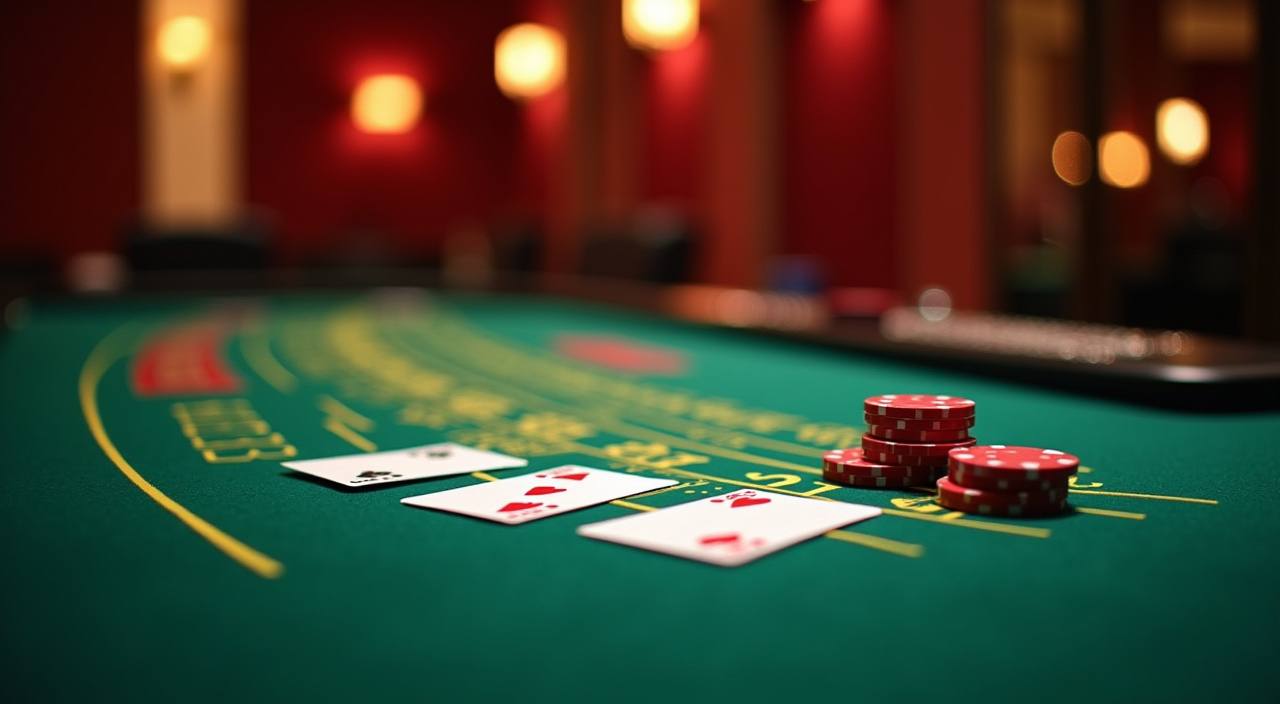
Live tables — including Live Baccarat Table from Pragmatic Play — run on a real-time dealer schedule. You join a seat, place your bet in the active round, and the result is settled before the next hand. Timing matters; you cannot pause mid-round.
Self-Paced Slots
Slots like those from JDB, CQ9 and PlayStar run entirely on your schedule. Start, stop, adjust your bet between rounds — there is no dealer waiting and no round in progress unless you start one. Crash Fast Lift and Fishing War Fast Round are in this category.
Sportsbook: Football & More
The sportsbook section covers football markets including Liga 1 Handicap Odds and World Cup Handicap Odds. Basketball Live Bet is also available. Sports rounds settle on match outcomes, not on a spin or a hand — different rhythm from both casino modes.
What Never Changes Across All Modes
Your account, your wallet balance, your deposit methods (DANA, OVO, GoPay), your transaction history, and your support routes are identical across live casino, slots and sportsbook. Switch modes from the same menu; nothing resets.
BRAND REFERENCE POINTS
Defining Features You Will Notice in the Lobby
Four things shape how bluga99 feels different from a generic lobby — the way play modes are presented, how the wallet sits at the centre of every session, how game studios are curated rather than dumped in bulk, and how support connects back to your actual account record rather than a generic form. These are the reference points members return to.
Decision-First Lobby Layout
The lobby opens with live tables and self-paced games side by side — not buried under a stack of information. You see the two play modes immediately, pick the one that fits your moment, and go. The layout is designed around a mobile screen first.
Wallet Visible at All Times
Your wallet balance — loaded through DANA, OVO, or GoPay — stays visible in the navigation bar across every game mode. You do not need to leave the game room to check your balance or head to the cashier before you know where you stand.
Curated Studio Catalogue
The lobby carries titles from five studios: Pragmatic Play, JDB, PlayStar, CQ9 and Microgaming. That is a focused catalogue, not a bulk list. Each studio is selected because their titles perform well on mobile — load time, touch controls and screen ratio all considered.
Transaction History as Proof
Every deposit and withdrawal tied to your account is logged with a timestamp and status. The history tab in your account is the source of truth — use it to verify a DANA deposit landed, confirm a round settled, or check an OVO transfer status without contacting support.
Reference / 07
How This FAQ Page Is Structured
This FAQ covers the questions that come up most in live chat and email — grouped so you can scan quickly rather than read top to bottom. The sections move from account and login questions to wallet and deposit topics, then to game mode differences, and finally to transaction records. For wallet questions specifically: if you are asking about a DANA deposit or an OVO transfer, the fastest confirmation is your transaction history tab. It updates when a deposit is confirmed on our end. GoPay transactions follow the same log. We do not publish processing time estimates here because those depend on your e-wallet provider's confirmation speed, not only on our system. For game mode questions: live tables and self-paced slots share one account but run on different timing models. The FAQ below covers the most common points of confusion between them — particularly for members who are used to slots and want to try a live table for the first time, or the reverse. If the answer you need is not in the list below, our live chat team handles account-specific questions directly. Check your account dashboard after login first — the current state of your wallet, history and account settings is shown there.
DANA
OVO
GoPay
YOUR QUESTIONS ANSWERED
Frequently Asked Questions on bluga99
These are the questions we hear most from Indonesia members. Each answer points to a specific step or a visible screen inside your account — not a vague direction. If your question is not listed here, live chat is open and our team works with your account record directly.
How do I connect my DANA wallet to my bluga99 account?
Go to the Deposit section after logging in. Select DANA from the available payment options. The screen will show the account number and transfer instructions — follow them exactly as displayed. Once your DANA app confirms the transfer, your wallet balance on bluga99 updates in the transaction history tab.
Can I use OVO and DANA on the same account?
Yes. Your account supports multiple e-wallets — DANA, OVO, and GoPay are all configured for Indonesia members. You can use different wallets for different deposits. Each transaction is logged separately in your history so you can see which wallet was used for each deposit.
What is the difference between playing a live table and a slot on bluga99?
Live tables run in real time with a dealer — rounds follow a fixed schedule and you cannot pause mid-hand. Slots like those from CQ9 or JDB run at your pace; you control when each round starts. Both modes use the same wallet and the same account. The lobby shows both side by side so you can switch without logging out.
My deposit shows as pending. Where do I check the status?
Open the transaction history tab in your account dashboard after login. Each deposit entry shows a status — pending, confirmed, or failed — along with a timestamp. For DANA or OVO deposits that stay pending longer than your e-wallet's usual confirmation window, contact live chat with the transaction ID shown in your history.
Does bluga99 show RTP information for slots?
RTP figures are displayed only where the game's studio — for example Pragmatic Play or Microgaming — makes that data available in the game itself. Not every title exposes an RTP figure. We do not publish estimated or averaged RTP numbers. Check the game's info panel directly when you open the title in the lobby.
Can I access live tables and the sportsbook from the same account?
Yes. Live casino tables, the full slots catalogue, and the sportsbook — including Liga 1 Handicap Odds and Basketball Live Bet — are all accessible under one login. Your wallet balance applies across all three areas. Switch between them using the navigation bar at the top of the screen. No separate account is needed.
 Casino / Mobile