
Built for phones, clear on desktop
Cards, tables, FAQ and policy pages stay easy to read on smaller screens.
- Quick categories
- Mobile first
- Access
 Casino / Mobile
Live Baccarat Table, Crash Fast Lift, and Liga 1 Handicap Odds are all inside one lobby — DANA and OVO both connect directly to your account wallet, so the switch from deposit to play takes seconds. Access depends on local law and is available where local law permits in Indonesia.




Cards, tables, FAQ and policy pages stay easy to read on smaller screens.
When you land on the home page from your phone, the lobby layout adjusts so the mode you left last — live tables or slots — stays visible at the top of your screen. The chip row showing DANA and OVO sits directly below the hero so you can confirm your wallet connection without scrolling.
After login, your wallet summary appears directly on the home screen. The panel shows your current balance and your most recent transaction record — whether that was a DANA deposit or an OVO withdrawal — without needing to open a separate account page. The current state of your wallet is always visible in the panel shown right after you sign in.
The home screen keeps a persistent mode toggle between live casino and slots at the top of the content rail. One tap moves you between the two modes without reloading the page.
The payment chip row on the home screen shows DANA and OVO as active connection points for your account wallet. Tapping a chip takes you directly to the deposit flow for that method. No separate navigation is needed — the chips are part of the home hero layout so your wallet is always one tap from wherever you are on the page.
The home page is built around a decision flow rather than a flat catalogue. Step one: choose your mode — live casino or self-paced slots — using the toggle at the top of the hero. That single choice filters the discovery rail below so you only see titles relevant to the mode you picked. Step two: connect your wallet.
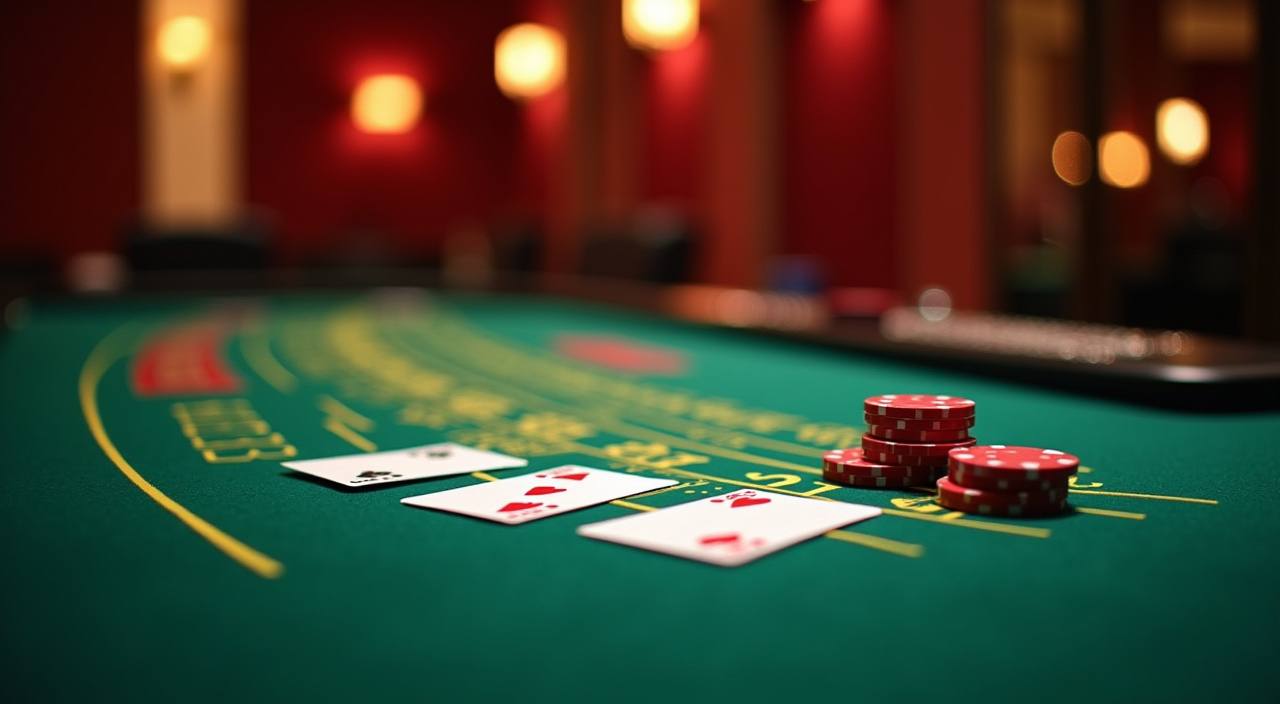
The mode toggle at the top of the home hero is the starting point. Live casino shows streamed dealer tables including Live Baccarat Table. Slots mode surfaces the self-paced catalogue including Crash Fast Lift and Fishing War Fast Round.
DANA and OVO both appear as chip options in the home payment row. Tap the wallet you use and the deposit screen opens with the fields and limits shown by your account. Complete the transfer through your e-wallet app and the confirmed amount appears in your account balance on the home wallet panel. No extra navigation, no separate cashier page to find.
With your wallet funded, tap any title in the discovery rail. Live dealer games open a full-screen stream with betting controls at the bottom. Slot titles open the reel interface layered over the lobby.
Payment on the home screen is designed around the e-wallets Indonesia players actually have on their phones. DANA and OVO are the two verified payment rails on bluga99 — both appear as chips in the home hero row, both connect directly to your account wallet without re
DANA is one of the two verified payment rails on this platform. The deposit flow is accessible directly from the DANA chip on the home hero row. After you confirm the transfer in your DANA app, the amount is reflected in your account wallet. Your DANA transaction history is stored in the payment record tab in your account dashboard, visible after login.
OVO connects to your account wallet through the chip row on the home screen. Tap the OVO chip, enter the amount within the limits shown in your account, and confirm through your OVO app. The confirmed deposit appears in your wallet balance and is logged in the payment history section.
GoPay is available as a payment method inside the account deposit section. It does not appear as a home hero chip but is listed in the deposit form alongside DANA and OVO.
Bank Transfer is available for both deposits and withdrawals in the account cashier section. The available banks and transfer instructions are shown inside the deposit form after you select the Bank Transfer option. Limits and verification steps are displayed alongside the form fields in your account — follow the instructions shown there rather than relying on external estimates for processing details.
The home screen is built around this one decision. Live tables mean a fixed schedule — dealer streams run in real time and the round pace is set by the table, not by you. If you open Live Baccarat Table, the next hand begins when the dealer deals it.
Live casino mode on the home screen surfaces dealer-streamed tables. The round pace is fixed by the stream — Live Baccarat Table runs continuously with hands dealt on the dealer's schedule.
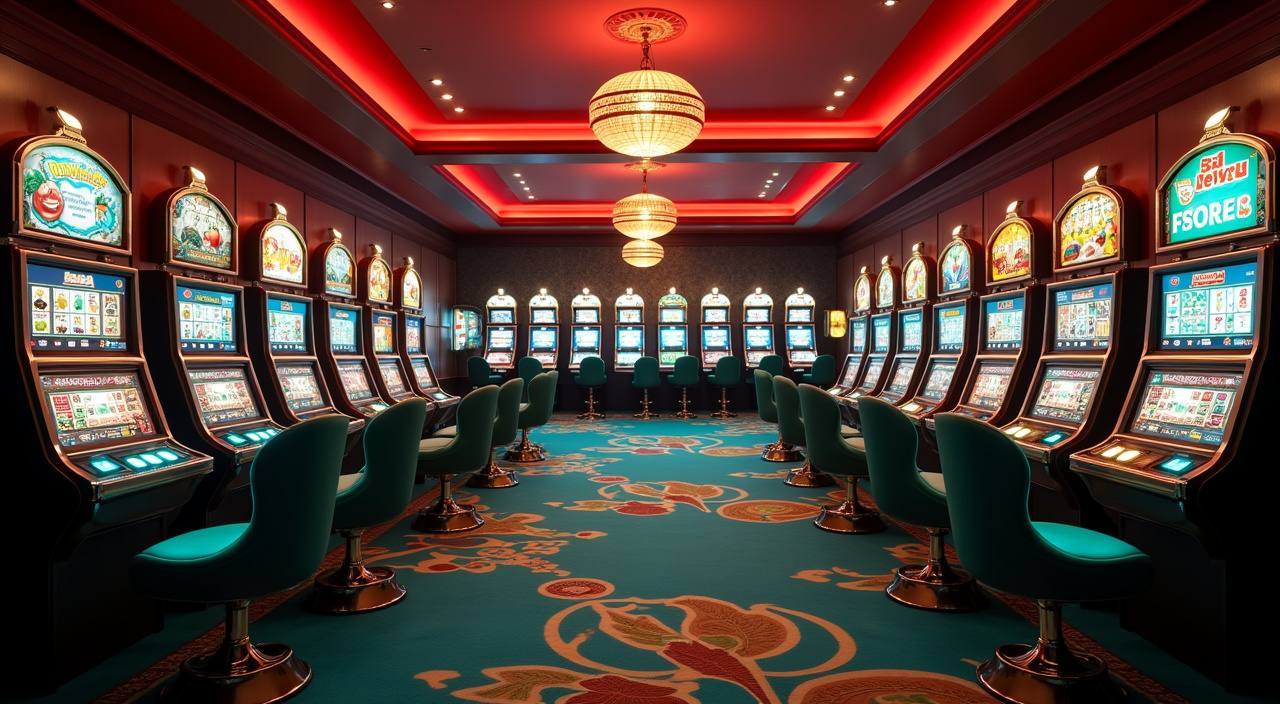
Slots mode on the home screen surfaces self-paced titles including Crash Fast Lift and Fishing War Fast Round. You control the pace — each round starts when you tap. Sessions can be as short as two minutes or as long as you choose.
Below the live casino and slots rails, the home screen includes the sports betting section. Liga 1 Handicap Odds and World Cup Handicap Odds are the headline entries. Football is the primary sport here.
The lobby catalogue covers live casino tables, self-paced slots and sportsbook markets — three distinct categories you can move between from a single home screen without logging out or switching apps. Live casino and slots are the two primary modes on the home toggle; the sports section sits below them in the discovery rail.
The bluga99 lobby carries content from Pragmatic Play, JDB, PlayStar, CQ9, Microgaming. To check the studio, rules or features of one specific game, open that game card or the published information panel.
Support for account and payment queries is reachable from the help icon on the home screen navigation bar. You do not need to leave the lobby to open a support conversation — the help panel slides in over the current page. The most common topics handled through home-screen support are wallet connection issues with DANA or OVO, deposit confirmation queries, and account access questions.
The live chat button is accessible from the help icon in the home screen navigation bar. Tapping it opens a chat panel over the current lobby page without redirecting you away from your session. Agent availability is shown by a status indicator inside the panel.
Your payment record is stored in the account dashboard and accessible from the wallet summary panel on the home screen. Each entry shows the payment method used, the amount, and the current status.
Beyond live chat, the home-screen help panel includes a contact form and a direct message route for queries that need a written trail. Indonesia support is available through both channels. The help panel also contains a short FAQ section covering the most common home-screen queries — wallet connection, session continuity across devices, and how to read the payment status in your account dashboard.
The home screen does not display promotional offer details as a static section because the current state of any offer tied to your account changes based on your activity. What you see is always specific to your account, not a generic display.
After login, the wallet summary panel on the home screen shows your balance and a link to the full account dashboard. The dashboard is where gameplay status, payment records and account settings are consolidated. Tapping your balance from the home screen is the shortest path to see everything that is currently active on your account — no separate navigation menu required.
Your payment history in the account dashboard serves as the record against which any offer condition is checked. If a gameplay condition is tied to deposit activity, the payment record shows the DANA and OVO transactions that count toward it. The account dashboard displays this alongside the current offer status so you can see both in one view rather than cross-checking between pages.
The home discovery rail surfaces titles that are highlighted in the current lobby configuration. The specific games featured in the rail — which may include Live Baccarat Table, Crash Fast Lift or Liga 1 Handicap Odds — reflect the current lobby state.
Account trust on the home screen comes from three visible mechanisms: the payment record, the wallet summary panel, and the session history accessible from the account dashboard.
Every transaction on your account — whether through DANA, OVO or GoPay — is stored in the payment history section of your account dashboard. The record shows the method, amount and status for each entry.
The wallet summary panel on the home screen updates your balance after each confirmed transaction. After a DANA deposit clears, the new balance appears in the panel without needing a page refresh.
Game content in the lobby is supplied by Pragmatic Play, JDB, PlayStar, CQ9 and Microgaming. These studios supply the game mechanics, reel logic and dealer streams you interact with in the lobby.
Access to the bluga99 platform and its services — live casino, slots, sportsbook and payment rails — depends on local law and is available where local law permits in Indonesia. The platform does not make eligibility claims on behalf of specific regions. Check the account registration page for the current access conditions shown there, as those reflect the most up-to-date eligibility information for your location.
The home lobby uses specific terms for game mechanics, payment routes and account features. This section explains what each term means in the context of the bluga99 lobby so you can navigate the home screen without guessing.

Live Dealer refers to a casino table game run by a human dealer in real time, streamed to your screen. On the home screen, Live Baccarat Table is the anchor live dealer title. The dealer runs each hand on a fixed schedule — rounds do not wait for you.
A crash game is a slot-format title where a multiplier climbs from the start of each round. You decide at what point to collect your stake multiplied by the current figure. If the round ends before you collect, the stake is lost for that round. Crash Fast Lift is a CQ9 crash title in the slots rail.
RTP stands for Return to Player. It is a percentage figure that describes the theoretical long-run return of a game over a large number of rounds. On this platform, RTP information is shown only where the game's studio — such as Pragmatic Play, CQ9 or Microgaming — exposes it inside the game detail panel.
Handicap Odds is a sports betting market format where one side is given a virtual advantage or disadvantage before the match starts. In Liga 1 Handicap Odds, for example, a team might start with a half-goal advantage on the bet, changing the effective outcome you are betting on.
A bonus round is a game mechanic inside a slot title that activates under specific conditions during play — typically when a set of trigger symbols land in the right positions on the reels. The bonus round may play differently from the base game, often with a modified reel set or additional prize mechanics.
The wallet summary panel appears on the home screen after you log in. It shows your current account balance and a link to your full payment history. The balance updates after each confirmed transaction — a DANA deposit or OVO withdrawal reflects in the panel once the e-wallet confirms the transfer.
The account dashboard is the main account management page accessible after login. From the home screen, the shortest path to it is tapping your balance in the wallet summary panel. The dashboard shows your payment history, current balance, account settings and the current state of any information tied to your account.
Local lobby check
bluga99 casino hadirkan live dealer tables, slot dari Pragmatic Play hingga CQ9, dan sportsbook — akses via DANA, OVO untuk wilayah Indonesia yang didukung
Access MOBILE GUIDEbluga99 app hadir untuk Indonesia — akses live casino, slots, dan sportsbook langsung dari browser mobile kamu. Cek kompatibilitas di bluga99
Access PAYMENT GUIDEbluga99 banking: deposit lewat DANA dan OVO, tarik saldo ke dompet lokal, verifikasi akun, dan lacak riwayat transaksi. Tersedia untuk wilayah yang diizinkan
Access PLAYER GUIDEbluga99 glossary: penjelasan istilah RTP, house edge, handicap, KYC, e-wallet dan lebih banyak lagi untuk pemain Indonesia dengan DANA dan OVO
AccessThese are the questions we see most often from members returning to the home screen after a break. The answers cover how the home lobby works, how to reconnect your DANA or OVO wallet, and how to read the signals the home screen gives you about your account state.
Read FAQ →Use the mode toggle at the top of the home hero section. It has two positions: live casino and slots. Tapping live casino filters the discovery rail below to show dealer-streamed tables including Live Baccarat Table. Tapping slots filters the rail to show self-paced titles including Crash Fast Lift and Fishing War Fast Round.
First, check the payment history tab in your account dashboard. The entry for the DANA transaction shows the status — confirmed, pending or failed. If the status shows confirmed but the balance has not updated, try refreshing the home screen. If the status shows pending, the DANA app transaction record is the reference to share with support.
Yes. OVO is available for both deposits and withdrawals. For a deposit, tap the OVO chip in the home payment row and follow the fields shown in the deposit form. For a withdrawal, go to your account dashboard via the wallet summary panel and select OVO as the withdrawal method.
Closing the home screen during a live dealer session ends your view of the stream, but the round result is still logged in your account. For self-paced slots like Crash Fast Lift, the round that was in progress when you closed will have resolved on the server side — the outcome and any amount moved are recorded in your payment history.
The sports section is in the home discovery rail below the live casino and slots mode sections. Scroll down past the two casino rails to reach it. Liga 1 Handicap Odds is one of the headline entries in the sports rail. Tap the entry to open the current match odds for available Liga 1 fixtures.
The current state of any offer tied to your account is shown in your account dashboard after login — not on the home screen banner, which shows a general image. From the home screen, tap your balance in the wallet summary panel to go directly to the dashboard. The dashboard lists the current offer status alongside your payment history.
Access to the bluga99 platform — including the home lobby, live casino, slots, sportsbook and payment rails like DANA and OVO — depends on local law and is available where local law permits in Indonesia. The account registration page shows the current access conditions.
Yes. The help icon in the home navigation bar opens a support panel that slides in over the current page. You stay on the home screen while the panel is open. From the panel you can start a live chat conversation, submit a contact form or send a direct message.
Access may be available only where local law permits.